Feature · AI image alt text
Alt text written from the photo, not the filename.
AI alt text for every product image, generated in bulk.
Pelican finds every image with missing or poor alt text and describes what's actually in the shot.
- Finds missing and poor alt text
- Editable before it saves
- A background job covers new images
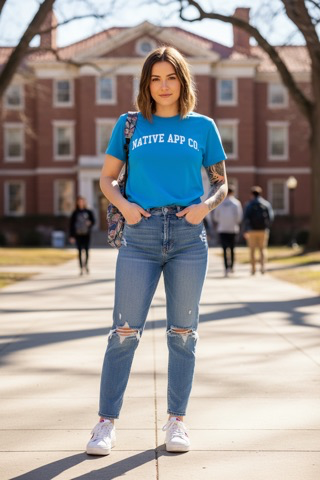


Every image, described.
Finds the bad ones too
Alt text under 20 characters, a filename like blue_shirt_front_02, or a generic word like "image".
Looks at the photo
With image analysis on, the AI describes the actual image: colour, material, context.
Or reads the filename
With it off, it works from the product data and clues like front, back, detail or swatch.
One or all
Generate for one image or every flagged product.
A background job
Writes alt text for images that have none, queued for approval or applied automatically. It never rewrites yours.
Your own prompt
Set the length, the tone and what to leave out.
“Awesome app and saved me so much time updating alt tags and other product attributes.”
Alt text is saved to the image's native alt field in Shopify, so it works with any theme.
Questions about alt text.
Will it overwrite alt text I've already written?
The background job only fills blanks. In the audit, nothing saves until you accept it.
Can it run automatically?
Yes. The job can queue suggestions or apply them as they're written, with undo for 14 days.
What happens when my image allowance runs out?
Alt text is written without looking at the photos, and the app tells you. The allowance resets on the 1st.
Trusted by




Good product data is good business.
7-day free trial. No card, no spreadsheets.
Install on Shopify →